

Download Songbird – music player, Android app, music streaming, audio player, songbird app, free music player, playlist maker, music organizer
Overview
Songbird is a dedicated music player designed for Android users seeking a streamlined and intuitive audio experience. The software aims to simplify music playback by automatically detecting and organizing local music libraries, offering a clean interface that prioritizes accessibility and ease of use. Targeted primarily at casual listeners and users who value minimalism, Songbird provides a distraction-free environment for enjoying music without complex settings or cluttered menus.
While the developer, Songbird, did not provide additional background information, the app’s design philosophy suggests a focus on user-centric functionality. Real-world usage scenarios include daily commutes, home listening, and background music during work or study sessions. The app supports essential features such as playlists, search, and album artwork display, making it suitable for users managing personal music collections.
It also integrates with Android’s lockscreen and homescreen, enabling quick access to playback controls without unlocking the device. The developer did not specify whether the app supports cloud-based music or streaming services, so functionality is presumed to be centered on local files.
Key Features & Capabilities
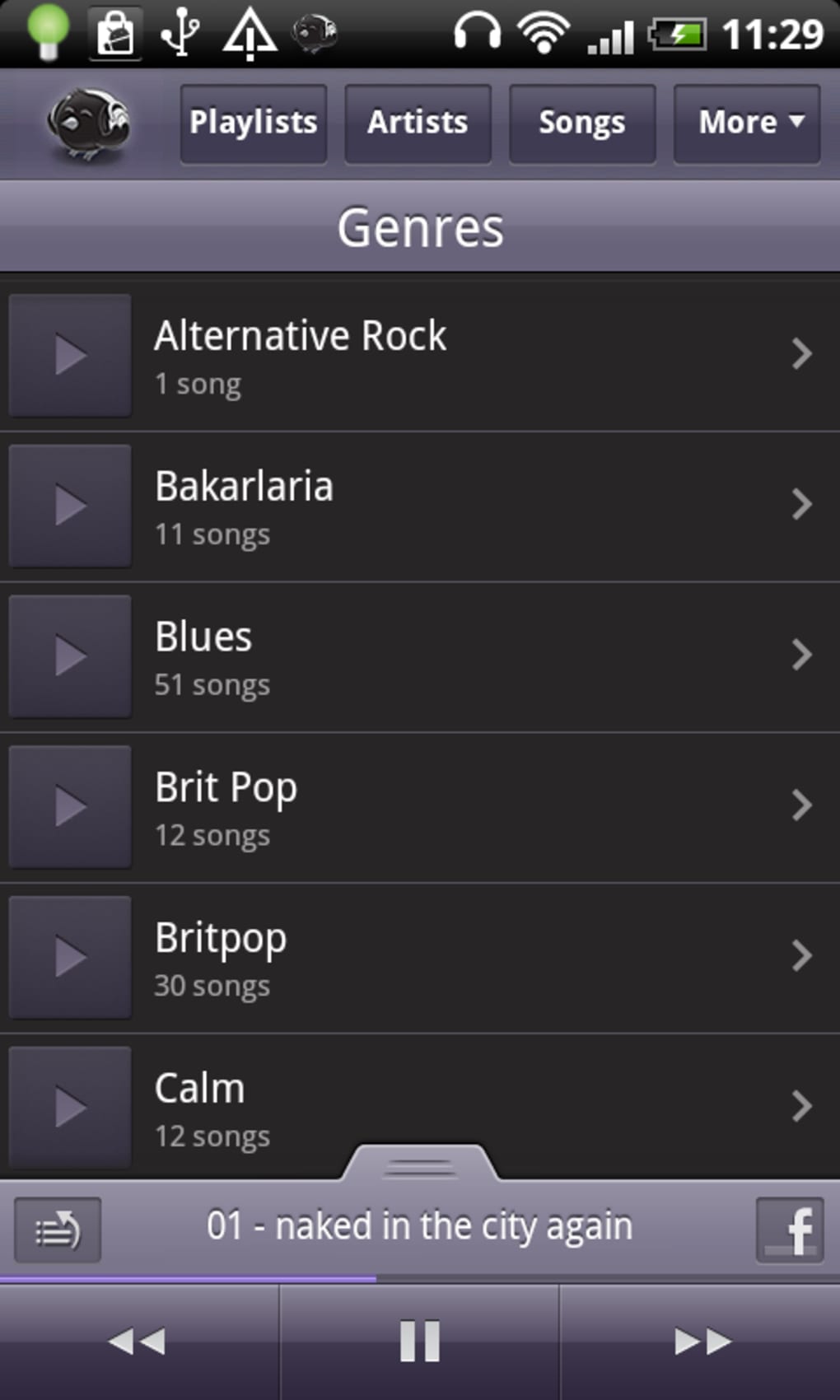
- Automatic Music Detection & Organization – Songbird scans the device’s storage to identify audio files and organizes them by artist, album, and genre, reducing manual effort for users.
- Minimalist, Intuitive Interface – The app features a clean layout inspired by popular music platforms, with easy navigation via top-level buttons and a well-structured now-playing window.
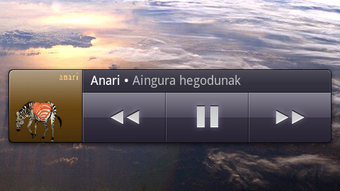
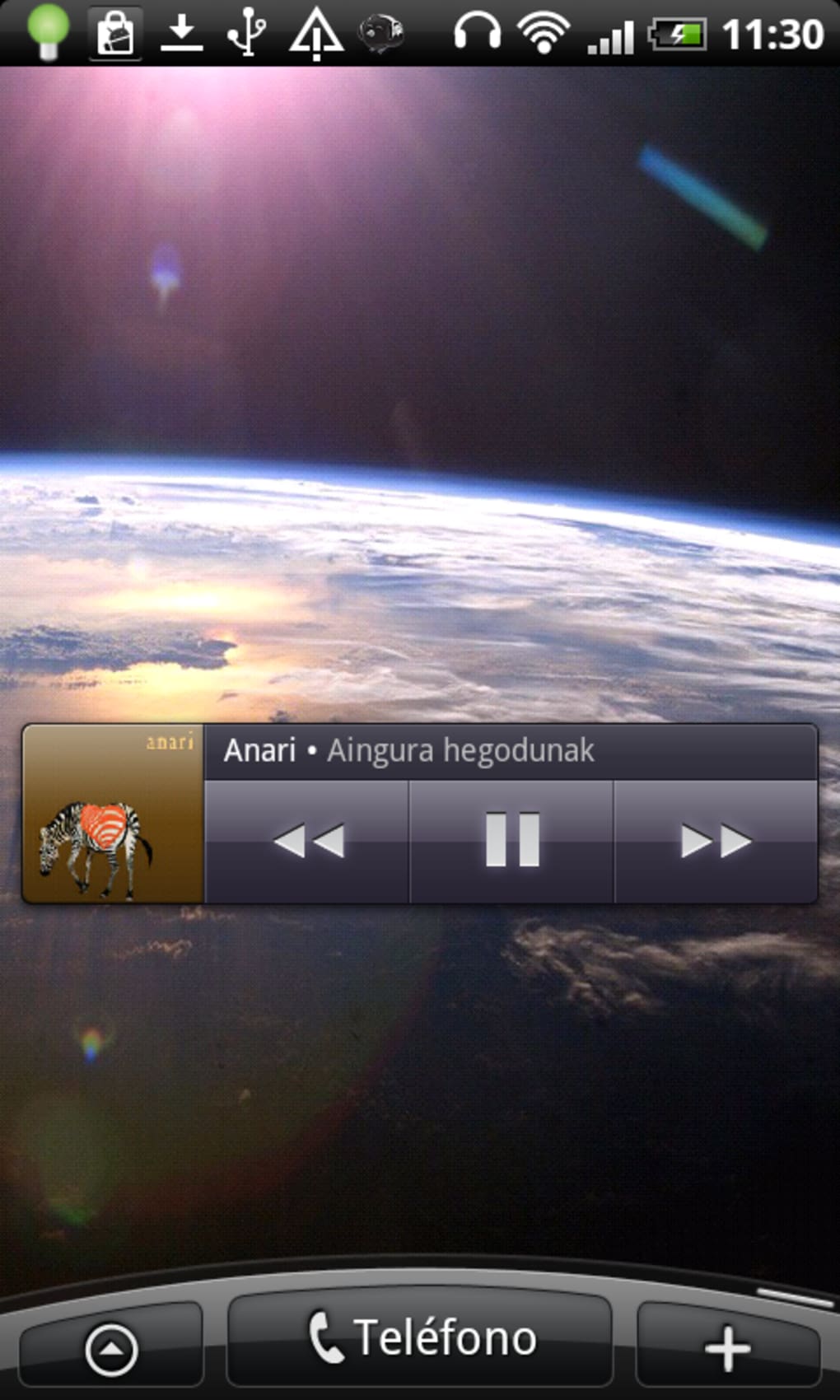
- Lockscreen and Homescreen Integration – Users can control playback directly from the lockscreen and use a customizable homescreen widget for quick access to music.
- Playlist Management – The app allows users to create, edit, and manage playlists, enabling personalized listening experiences.
- Search Functionality – A built-in search tool helps users locate specific songs, artists, or albums quickly.
- Now Playing Window with Album Art – Displays current track details and artwork, enhancing the listening experience.
- Shuffle and Repeat Controls – Easily accessible from the now-playing interface for flexible playback options.
- Enhanced Artist Feed Features – Users can add custom photos to an artist’s feed and access it directly from the now-playing drawer.
- What’s New Feed – A redesigned home screen includes a dedicated section for updates and new content.
These features collectively support efficient music discovery and playback. For instance, the ability to access an artist’s feed from the now-playing drawer allows fans to explore related content without leaving the app. The integration of custom photos into artist feeds adds a personal touch, ideal for users who want to curate their listening environment. The inclusion of a "What’s New" feed on the home screen keeps users informed about recent changes and improvements. While the app lacks advanced audio customization, such as equalizer settings, its focus on simplicity makes it ideal for users who prioritize functionality over fine-tuned control.
User Interface, Workflow & Performance
Songbird’s user interface is structured around clarity and ease of navigation. The main screen is accessible by tapping the Songbird icon, offering a straightforward layout with top-level navigation buttons. The now-playing window is prominently displayed and includes essential controls like play, pause, skip, shuffle, and repeat.
The app’s workflow is optimized for minimal interaction, allowing users to move between tracks, playlists, and search results with few taps. The interface is responsive and appears stable during typical use, though exact performance metrics such as CPU or RAM usage were not specified. The developer did not provide details on background performance or battery impact.
General observations suggest that the app maintains smooth operation under standard conditions, with no reported lag or crashes. Stability improvements were included in the latest update, indicating ongoing maintenance. The app’s lightweight design, with a file size of 12.8 MB, supports efficient installation and storage use.
Users can expect consistent behavior across different Android devices, though compatibility may vary based on system version and manufacturer modifications.
Compatibility & System Requirements
Songbird is designed to run on Android operating systems, with the current version being 2.3.0. The installation size is 12.8 MB, which is relatively small and suitable for devices with limited storage. The developer did not specify exact system requirements, such as minimum Android version or hardware specifications.
Compatibility information is limited to the platform name, and no details were provided about support for tablets, wearables, or other form factors. The app’s file size suggests it is optimized for low-resource environments, but precise performance behavior on older or low-end devices remains unspecified. Users should verify compatibility with their device’s Android version and ensure it meets the minimum requirements set by the operating system.
The developer did not disclose whether the app supports future Android updates or long-term maintenance beyond the current release.
Pros and Cons
Pros
- Lightweight installation at just 12.8 MB
- Automatic music detection and organization
- Intuitive, clean interface reminiscent of popular streaming apps
- Lockscreen and homescreen controls for convenient playback
- Supports playlists, search, and album artwork display
- Enhanced artist feed with custom photo integration
- Regular updates with bug fixes and stability improvements
Cons
- Limited customization options, such as no built-in equalizer
- No information provided about advanced audio settings
- Exact system requirements not specified
- Platform-specific to Android, with no support for other operating systems
- Basic feature set may not satisfy power users
FAQ Section
Is Songbird available for iOS or other platforms?
Songbird is currently designed exclusively for Android. No information was provided about availability on iOS, Windows, or other operating systems.
Is Songbird a free app?
Yes, Songbird is available at no cost. The app is free to download and use, with no in-app purchases or subscription requirements.
Does Songbird support streaming services like Spotify or Apple Music?
The app’s functionality appears to be focused on local music files. There is no indication that it supports streaming from external platforms such as Spotify or Apple Music.
How often are updates released?
Updates are released periodically, with the latest version (2.3.0) including bug fixes and stability improvements. The developer has shown commitment to ongoing maintenance.
Can I use Songbird offline?
Yes, since Songbird primarily works with locally stored music files, it can be used without an internet connection. This makes it ideal for offline listening.
Final Thoughts
Songbird delivers a refreshingly simple and reliable music listening experience tailored for Android users who value clarity and ease of use. Its automatic music organization, intuitive interface, and seamless lockscreen integration make it a strong contender among free music players. While the lack of advanced features like equalization or customization may limit its appeal to audiophiles or power users, it excels as a no-frills solution for everyday listeners.
The app’s lightweight size and consistent performance further enhance its practicality. For users seeking a clean, secure, and efficient audio player that works reliably on Android devices, Songbird stands out as a solid choice. With regular updates and a focus on usability, it continues to improve.
Download Songbird now.






.png)
